Ecommerce
Shopify vs WordPress for UK Online Stores: Which Is Right for You?
Online Markrting Help.co.uk
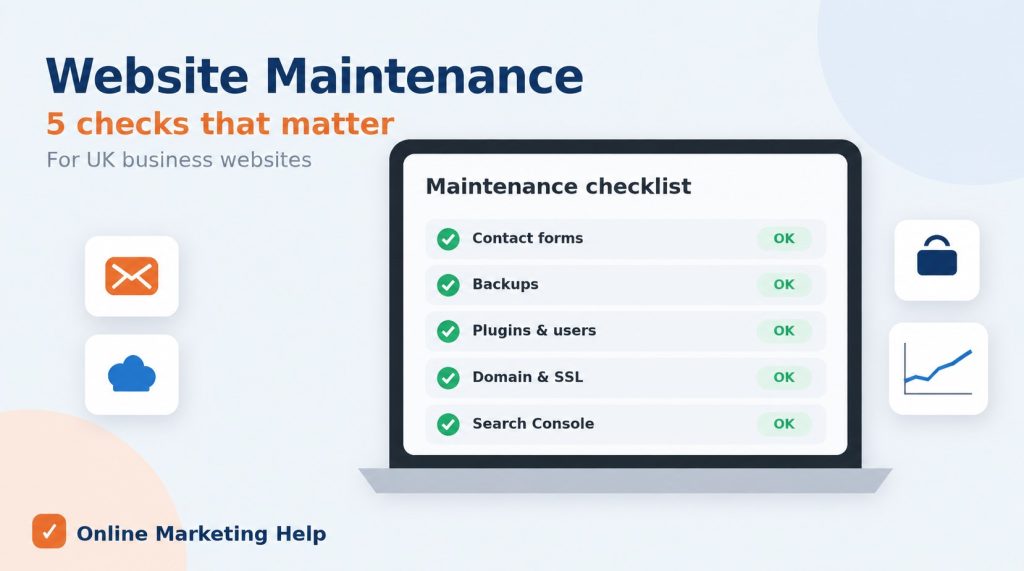
Most business owners know their website needs “updating” now and then. But when we take over a site from another provider or run a health check for a new client, we nearly always find the same handful of website maintenance tasks that nobody has touched in months, sometimes years. None of them are glamorous, and none of them show up until something goes wrong. When they do, it usually means lost enquiries, a hacked site, or a drop in Google rankings.
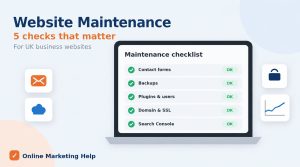
Here are the five we see overlooked most often by UK business owners, why they matter, and how often you should be checking them.
This is the one that costs businesses the most money without them ever knowing. A contact form can look perfectly fine on the page, and the visitor sees a “thank you” message, but the email never arrives in your inbox. It might be going to spam, bouncing because of a changed email address, or failing after a plugin update.
Email providers have also tightened the rules. Google and Yahoo now expect emails to be properly authenticated (with SPF, DKIM and DMARC records set up on your domain), and website emails that are not can end up in spam or be rejected completely.
What to do: submit a test enquiry through every form on your site once a month, including quote forms, booking forms and newsletter sign-ups. Check that the email arrives and that any auto-reply to the customer works too. Ideally, use an SMTP service for your website email rather than your server’s default mail function.
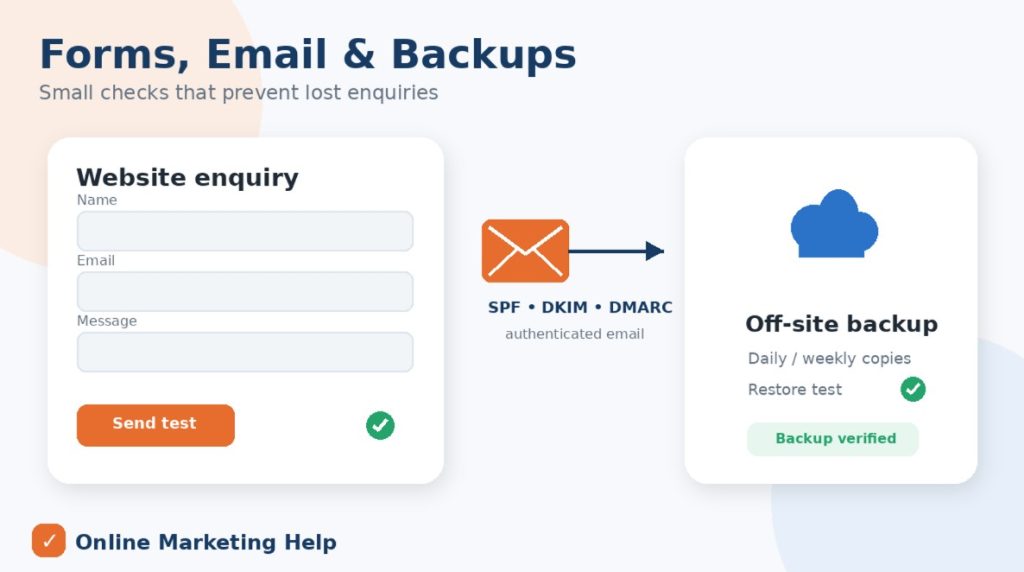
Most websites have some kind of backup running. Far fewer have a backup that anyone has actually tried to restore. We regularly see backups saved on the same server as the website (so they disappear if the server fails or is compromised), backups that stopped running months ago, and backups that only include the files and not the database.
What to do: make sure you have automatic daily backups for busy or e-commerce sites (weekly is usually fine for a small brochure site) stored somewhere separate from your hosting, such as cloud storage. Keep at least 30 days of copies. Every few months, test a restore on a staging site so you know it works before you need it.
Updating plugins is the task most people do remember. What they forget is clearing out the things they no longer use. That old slider plugin you tried in 2022, the three default themes that came with WordPress, and the login you created for a freelancer who left last year are all still sitting on your website, and they are all possible ways in for hackers.
The numbers explain why this matters. Patchstack’s State of WordPress Security in 2026 report found 11,334 new WordPress vulnerabilities in 2025, and 91% of them were in plugins. Worse, 46% had no fix available from the developer when they were made public, and the most heavily targeted ones were being exploited within a median of five hours. Even a deactivated plugin can be a risk if its files are still on your server.
Across the wider picture, the government’s Cyber Security Breaches Survey 2025/2026 found that 43% of UK businesses identified a cyber breach or attack in the last 12 months. Small businesses are very much on the list.
What to do: every quarter, delete (do not just deactivate) any plugins and themes you are not using, keeping one default theme as a fallback. Review your user list, remove anyone who no longer needs access, and make sure every admin account has a strong password and two-factor authentication.
A few things are more stressful than your website going offline because a domain renewal failed on an old credit card, or your SSL certificate expired and visitors are greeted with a “Not secure” warning. Just as common is the business that cannot make changes because a previous developer registered the domain in their own name, or nobody knows the hosting login anymore.
What to do: check who your domain is registered to and when it expires, and turn on auto-renew with an up-to-date payment card. Confirm your SSL certificate renews automatically. Then keep a secure record (a password manager is ideal) of your domain registrar, hosting, website admin, Google Analytics, and Search Console logins, all in your business name. If you ever change web providers, this saves a lot of heartache.
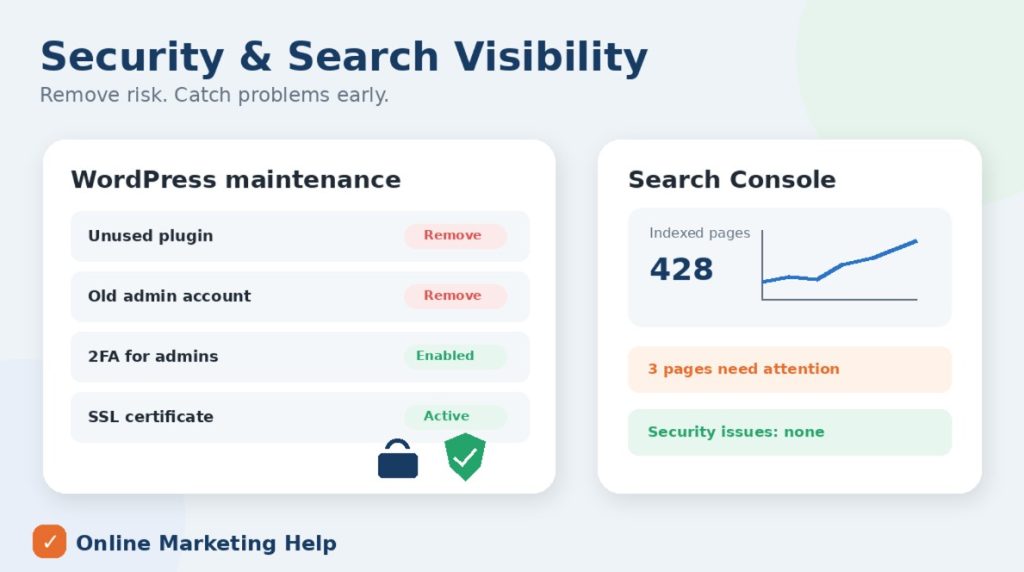
Google Search Console is free, and it tells you exactly how Google sees your website. Yet many business owners either never set it up or have not logged in since their site launched. That means they miss warnings about pages dropping out of Google, broken links, mobile usability problems, slow page speeds, and even security issues.
Broken links are a common one. Pages get renamed or deleted, and the old address shows a 404 error to both customers and Google. If other websites are linked to that page, you also lose the SEO value those links were passing.
What to do: check Search Console once a month. Look at the Pages report for anything newly “not indexed”, the Core Web Vitals report for slow pages, and the Security Issues section. Fix broken links and set up 301 redirects whenever you remove or rename a page. If you spot a sudden drop in traffic, our SEO services team can help you get to the bottom of it.
Task | How often |
|---|---|
Test all contact and booking forms. | Monthly |
Check backups are running and stored off-site. | Monthly (test and restore quarterly) |
Delete unused plugins, themes and user accounts. | Quarterly |
Check domain, SSL, and login records. | Every 6 months |
Review Google Search Console | Monthly |
All five of these tasks are manageable for a confident business owner, and even ticking off a couple of them puts you ahead of most websites we see. The challenge is doing them consistently, month after month, alongside running a business.
That is exactly why we offer website maintenance plans. We handle updates, off-site backups, security monitoring, form testing, and regular checks, so problems are caught early rather than discovered by a customer. Over the years, we have cleaned up plenty of hacked and broken WordPress sites for UK businesses, and in almost every case, one of the tasks above had been missed. If your site needs more than maintenance, our WordPress development team can help with fixes and improvements too.
How often should a business website be maintained?
Plugin and theme updates should be checked weekly, while forms, backups and Search Console are best checked monthly. A fuller review of users, plugins, domain and SSL every quarter keeps things tidy.
How much does website maintenance cost in the UK?
It varies with the size of the site and level of support, but in our experience most small UK businesses pay somewhere between £30 and £150 a month for a proper maintenance plan. E-commerce and larger sites usually cost more.
Is website maintenance really necessary for a small brochure site?
Yes. Small sites are targeted by automated attacks just as often as big ones, and a broken contact form costs a small business enquiries just the same. The tasks are fewer, but they still need doing.
Start with our free website audit, and we will highlight any issues we find, or get in touch to talk about a maintenance plan that suits your business.
Online Markrting Help.co.uk
Online Markrting Help.co.uk
You have unsubscribed. Thanks!