

Websites & Ecommerce4 min read
WordPress Maintenance: Why Is It So Important
Learn why WordPress maintenance is crucial for security, performance, and user experience. Protect your site and enhance credibility today!
- Written by
- Melissa Cross
- Published
- Updated
Introduction
Congratulations on building your website! However, once it's up and running, it's easy to shift your focus to your business and neglect the maintenance of your WordPress site.
In this article, we will explain why having a WordPress Website Maintenance Plan is crucial for the security and success of your website.
Keep Your Website Secure:
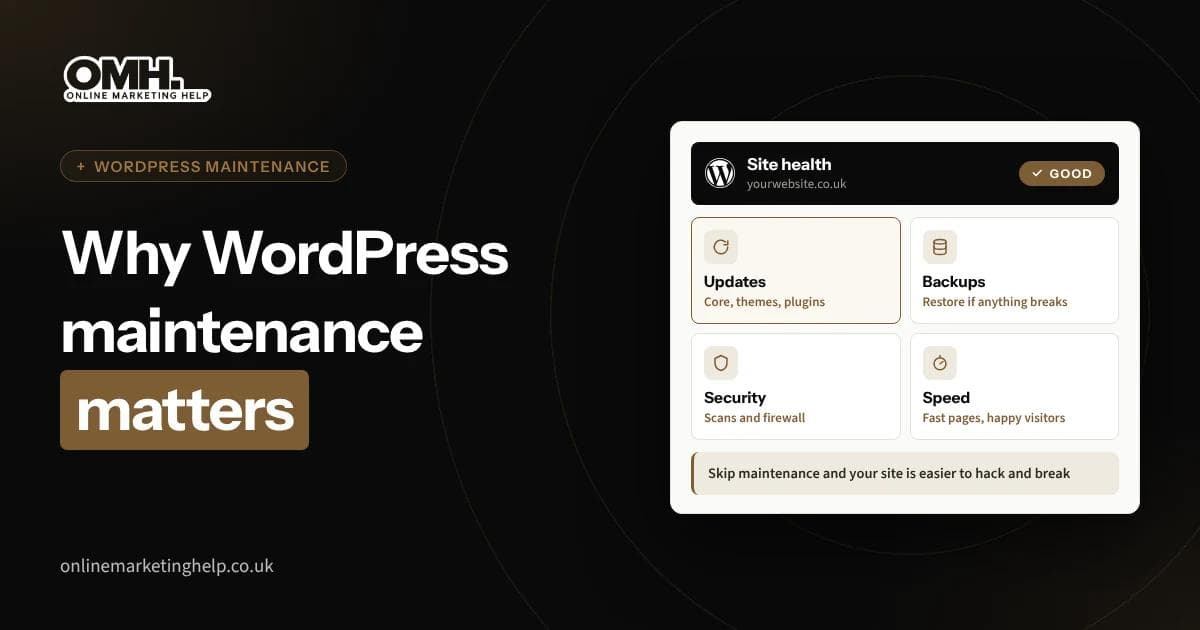
WordPress is a widely used platform, making it a common target for hackers. Regular updates are necessary to protect your site from vulnerabilities and potential security breaches.
By investing in a maintenance plan, you ensure that your WordPress installation, plugins, and themes are kept up to date, reducing the risk of unauthorised access to your website.
Prevent Data Loss with Backups:
Data loss can occur due to various reasons such as malware, hardware/software issues, or human error. By neglecting regular updates and maintenance, you increase the chances of losing valuable data.
A comprehensive maintenance plan includes regular backups, allowing you to quickly restore your site to a previous version in case of any issues or data loss.
Enhance User Experience:
Fast WordPress Website speed is crucial for user experience and can impact your search rankings, conversions, and credibility. Slow-loading websites can drive visitors away, leading to lost opportunities.
Regular maintenance helps optimise your site's performance, ensuring fast load times and a seamless user experience.
Maintain Credibility and Professionalism:
An outdated or error-ridden website can negatively affect your business's credibility. Users tend to trust websites that have recently updated content and a polished Website design.
Regular maintenance checks for issues with themes, plugins, and broken links, allowing you to present a professional and trustworthy online presence to your customers.
Cost Savings in the Long Run:
Neglecting maintenance may seem cost-effective initially, but it can lead to expensive consequences later on.
Fixing security breaches, recovering lost data, and rebuilding a compromised website can be time-consuming and require professional assistance.
A proactive maintenance plan helps prevent these issues, saving you both time and money in the long run.
What to Expect from a Good WordPress Maintenance Plan? A comprehensive WordPress maintenance plan should include the following:
- WordPress Core Updates: Regular updates to keep your WordPress installation stable and secure.
- Theme and Plugin Updates: Ensuring that themes and plugins are up-to-date to prevent security vulnerabilities.
- Security, Uptime Monitoring, and Hack Cleanups: Continuous monitoring for security threats and timely cleanups in case of any breaches.
- Website Backups: Regular backups of your site's data to prevent data loss.
- Performance Optimisation: Enhancing site speed and overall performance.
- WordPress Support: Access to technical support for any issues or questions you may have.
Conclusion:
Maintaining a WordPress website requires ongoing attention to ensure its security, performance, and user experience. With a focus on WordPress Development, you can enhance your site’s functionality and design.
By investing in a WordPress Maintenance Plan, you can concentrate on your business while professionals handle the technical aspects, providing you peace of mind and a thriving online presence.
Consider a reliable service provider, like Creact, that offers tailored maintenance plans to meet your specific needs. Start reaping the benefits of a well-maintained WordPress site today!
- Written by
- Melissa Cross
- Published
- Updated
Related topics
Artificial Intelligence (AI) · WordPress
Keep reading
Related insights
Websites & Ecommerce
What to do after malware removal: 11 steps to stay clean
Your website is clean again, but most reinfections come from what the cleanup left behind. Here is what to do next, in order, from backdoors and passwords to Google warnings and UK reporting rules.
Read articleWebsites & Ecommerce
Website caching explained: what to cache and what to exclude
Caching makes WordPress pages faster by reusing a ready copy, but cache the wrong page and customers see old prices or someone else's basket. Here is what to cache, what to exclude and how to check it works.
Read articleWebsites & Ecommerce
How I Built a Beautiful Landing Page with Claude (and What AI Couldn’t Do)
See how I built a beautiful landing page with Claude: the brief, prompts, design tips and UK rules to check before launch. Read the step-by-step guide.
Read articleTurn useful ideas into a practical growth plan.
Tell us what you want to improve and what you have tried so far. We will help you identify the clearest next step.
What happens next
- Review the current position
- Define the commercial objective
- Agree the work and measurement
Ring it from any phone
It's set up as a fictional heating company in Leeds and answers day and night. Standard call rates apply.
The demo line is being set up.Book a demo and we'll play you one on the call.
Three things to try
- 1Book a boiler service for next week.
- 2Ask to speak to a person.
- 3Ask something it can't know, and hear how it handles it.