
SEO12 min read
My Website Ranks on Google, but Why Doesn't My Google Business Profile?
Your website ranks on Google but your Business Profile is missing from the map? See why Google ranks them differently, the most common causes and how to fix yours.
- Written by
- Melissa Cross
- Published
- Updated
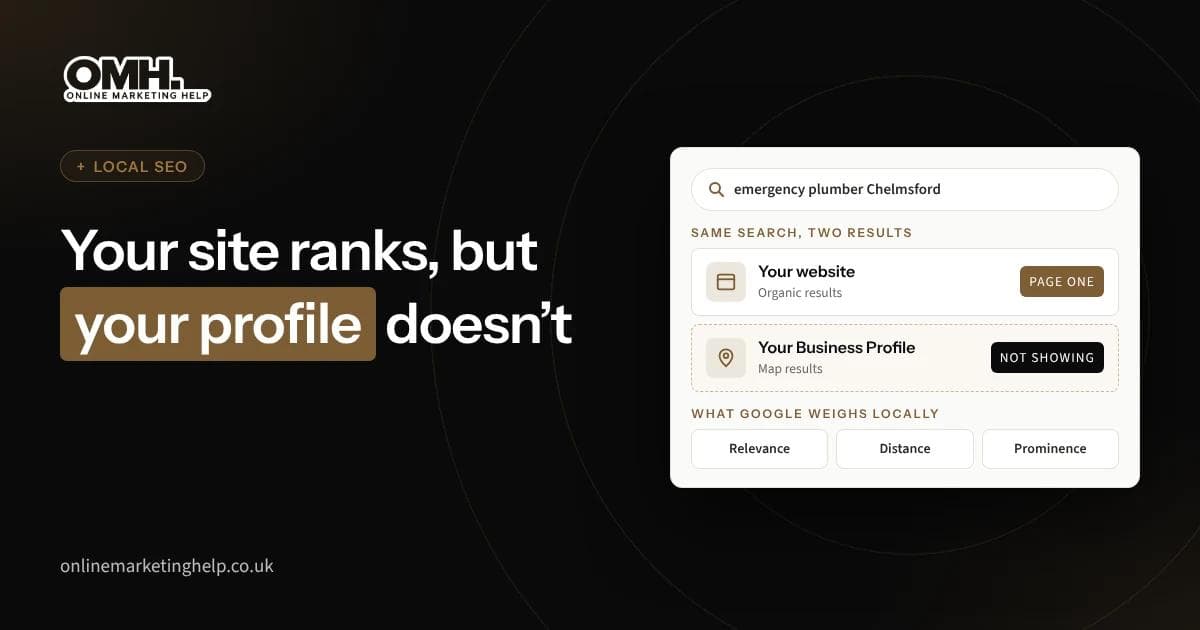
You type your main service into Google and there is your website, on page one. Above it sits the map, with three local businesses showing stars and a phone number. You are not one of them. A competitor with a worse website is.
We get asked about this constantly, and it is a fair question. We look after websites and Google Business Profiles for UK businesses, so we see both halves of it. The short version is that Google ranks the two by different rules.
Quick answer: Your website and your Google Business Profile compete in two separate sets of results. The map results lean on your profile’s primary category, how close you are to the person searching and your reviews, and your website controls none of those directly. The cause we find most often is a primary category that does not match what customers search for. Better news: the website that already ranks holds most of what your profile needs.
This post is for businesses with a verified, active profile that simply is not appearing in the top map results. If your profile is suspended, flagged for review or not yet verified, sort that out first through Google’s Business Profile Help, because nothing else on this page will apply until it is live.
Why do Google’s map results and website results rank differently?
Google judges them on different things. Its own help page on improving your local ranking says local results come down mainly to relevance, distance and prominence, and distance is the one that catches people out. Your website can rank across a whole county. Your profile mostly wins searches made near your address.
For an outside view, we use the Whitespark Local Search Ranking Factors survey, published in November 2025, in which 47 local search specialists scored 187 factors. It is an expert opinion, not Google’s data. Even so, look how little the top three overlap.
| Rank | Map (Local Pack) | Website (Organic) |
|---|---|---|
| 1 | Primary GBP category | Quality of content on the page |
| 2 | Keywords in GBP title (business name) | Internal links pointing to the page |
| 3 | Proximity to the searcher's location | Keyword relevance of the page |
| 4 | Address in the city being searched | Backlinks to the page |
| 5 | Business open during the search | Backlinks to the domain |
The map list is dominated by profile signals and physical proximity. The website list is dominated by content, links and relevance. Your website’s SEO cannot directly move your map position.
Fourth on the map list is having an address in the town being searched, and fifth is being open when the search happens. Your website helps both lists. It cannot stand in for the profile.
Are you checking your Google Maps ranking from the wrong location?
Often, yes. Google ranks the map by distance from the person searching, so what you see at your desk is not what a customer five miles away sees. Switching to a private browser window makes no difference. Google still knows roughly where you are.
A profile can rank well in Chelmsford and vanish in Braintree, and that is normal. So check from where your customers are. Ask a couple of regulars what they see, or use a local rank tracker that maps your position across a grid of your area.
Be realistic about the edges of that grid. Nobody can make a profile rank in a town where the business has no address, and anyone who promises it is either guessing or breaking Google’s rules. Further out, your website’s SEO and Google Ads have to do that job instead.
Is your Google Business Profile in the wrong primary category?
This is the first thing we check. The Whitespark panel ranks the primary category as the strongest single signal for the map. Google’s guidelines for representing your business say to pick the fewest categories that describe your core business, and the most specific one that fits.
The mistake we see most is a broad category chosen years ago, when the business did something a bit different. Picture a firm that now mostly fits kitchens but still sits under a general trade category. It is competing for the wrong searches.
Checking takes two minutes. Search your main service from your own area and look at the three businesses in the map, where each one’s primary category shows under its name. If all three share a category and yours is different, you have probably found your problem. Change one thing at a time so you can tell what moved.
Is your business name or address holding the profile back?
Keywords in the business name come third on Whitespark’s map list. That is why you see profiles called things like “Smith Plumbing Emergency Plumber Chelmsford”. Google’s guidelines say your name should match the one on your sign, and that padding it with extra words can get the profile suspended. Do not copy them. Report a padded name instead, using “Suggest an edit” in Google Maps.
Your address matters just as much. Google will not accept a profile at a PO box or a virtual office, and a co-working desk only counts if there is signage and staff on site during opening hours. If you go to your customers rather than the other way round, Google wants the address hidden and a service area set, usually within about two hours’ drive of your base.
One thing people miss: hiding your address does not change where Google thinks you are. It still ranks you from your real base.
How to use your ranking website to strengthen your Google Business Profile
Borrow from it. Google ranks your website because it understands what the site is about, so make your profile say the same thing in the same words. Most of the writing is already done.
Link the profile to the right page. With one location, the homepage is fine. With several, point each profile at the page for that town.
Add your services from your service pages. Google’s help page on managing services says service businesses can pick from its suggested services or add their own, each with a description. Use the names your service pages already use, and lift a couple of lines from each one. Leave out prices and phone numbers. Google rejects custom services that include them.
Write the business description from your homepage. BrightLocal’s guide to profile descriptions, last updated in April 2026, gives a limit of 750 characters, with no links and no offers. Put what you do and where in the first 250 characters, because that is often all people see. One honest caveat from the same guide: the description does not affect local rankings. It helps the customer decide, and that is all.
Add local business markup to the website. This is a few lines of code that label your details for search engines. Google’s guide to LocalBusiness structured data explains how it tells Google your name, address and opening hours. Copy the details from your profile exactly.
If your site needs more work than this, a free website audit will show what is in the way.
Is your NAP (name, address and phone number) consistent across the web?
They should be, character for character. Local SEO people call this NAP consistency (name, address, phone number). When your website, your profile and your directory listings disagree, Google has to guess which version is right.
In our experience the mismatch is usually something small that nobody noticed. A website footer still carries the address you left three years ago. Or the profile shows a mobile number, the website shows a landline, and an old directory listing uses a trading name you dropped.
Fix the details you control first. Write down one exact version of your name, address and number, then match your website footer, contact page and profile to it. Then tidy the directory listings you already have. The Whitespark panel gave directory listings slightly less weight for 2026 than the year before, so cleaning up what exists is worth more than chasing hundreds of new ones. Our local SEO service covers this along with the profile and the site.
Is your Google Business Profile complete enough to compete?
An incomplete profile sends a weaker signal than a finished one. Google cannot rank you for services it does not know you offer. Run through the basics and fill any gaps.
Add every service you provide, with a short description for each. Upload at least ten photos, including your premises, your team and examples of your work. Add your opening hours and keep them up to date, including bank holidays. Write a business description that includes your main service and location in the first 250 characters, because that is the part most people see (the full limit is 750 characters, according to BrightLocal’s guide to Google Business Profile descriptions). Post a Google update at least once a month to show the profile is active.
None of this is dramatic on its own, but together a complete profile often edges ahead of one that was set up once and forgotten.
Are your Google reviews too few, too old or unanswered?
Google says more reviews and better ratings can help your local ranking. On Whitespark’s list, your star rating is sixth, the number of Google reviews with text ninth, and how recent they are eleventh.
Reviews also decide whether people pick you once they find you. The most detailed figures we know of are in BrightLocal’s Local Consumer Review Survey, published in February 2026. It surveyed 1,002 adults in the US, not the UK, so treat it as a direction rather than a measurement.
- 97% read reviews for local businesses
- 74% look for reviews written in the last three months
- 68% will only use a business rated four stars or more
- 89% expect owners to reply to reviews
We could not find a UK study like it. The fix is dull, and it works. Ask every customer for a review, so they arrive steadily rather than in a burst. Reply to all of them, good and bad, in your own words rather than a template.
How to diagnose which problem is holding your Google Business Profile back
Match what you see to the likely cause before you touch anything. Change four things at once and you will never know which one worked.
| What you see | Likely cause | First fix |
|---|---|---|
| Your profile does not appear on the map at all, even for your business name | Profile not verified, suspended, or duplicate listing | Check your GBP dashboard for alerts. Verify or appeal if suspended. Search for and merge any duplicate profiles. |
| Your profile appears when you search your business name but not for your service | Wrong primary category | Compare your primary category with the three map competitors for your main service keyword. Change to the most specific match. |
| You rank on the map near your office but disappear a few miles out | Normal proximity drop-off | Check with a local rank tracker to see the real radius. For areas outside it, your website SEO and Google Ads cover the gap. |
| A competitor with a keyword-stuffed name outranks you | Keyword in business name advantage (they may be breaking guidelines) | Report the name via "Suggest an edit" in Google Maps. Do not copy them. Focus on category, reviews and NAP instead. |
| You rank on the map but customers choose competitors instead | Fewer reviews, lower rating, or incomplete profile | Count your reviews versus theirs. Check your star rating, reply rate and photo count. Fill in missing services and hours. |
| Your ranking recently dropped after no changes | Google algorithm update, new competitor, or NAP inconsistency introduced | Check for new directory listings with wrong details. Look at whether a new competitor opened nearby. Review your GBP for any flagged edits. |
If more than one row fits, start with the category. It is the quickest change, and on the Whitespark evidence it is the one most likely to move you on the map.
A quick starting checklist:
1. Search your main service plus your town from a device you have never used (or open an incognito window). Note where you appear on the map and in the website results.
2. Open your Google Business Profile dashboard and check your primary category. Does it match the words your customers type?
3. Search your business name on Google and compare the name, address and phone number shown with what is on your website and your top three directory listings.
4. Count your Google reviews and look at the date of the most recent one. Then count your closest map competitor’s reviews.
5. Scroll through your profile as a customer would. Are your services listed, your hours current and your photos recent?
Whatever you find first, fix that before moving on. Changing four things at once means you will never know which one worked.
What do UK rules say about getting more Google reviews?
The rules got stricter in 2025, and that matters because the quickest way to close a review gap is also the riskiest. The consumer protection parts of the Digital Markets, Competition and Consumers Act 2024 came into force on 6 April 2025.
The CMA’s fake reviews guidance, published on 4 April 2025, bans fake reviews. It also bans paying or rewarding people for reviews without saying so, and presenting reviews in a misleading way. Only asking your happy customers can count as cherry-picking, according to the same guidance. So ask everyone.
The penalties are serious. In its announcement of 24 January 2025, the CMA said it can now fine firms up to 10% of global turnover. Google also agreed to put warning alerts on the profiles of UK businesses caught boosting their ratings with fake reviews. That is our summary, not legal advice.
Frequently asked questions
Can I pay Google to rank higher on the map?
No. Google says plainly that there is no way to request or pay for a better local ranking. Google Ads with your location attached can appear in Maps, but those are labelled as sponsored and sit apart from the normal results. The ranking underneath has to be earned.
Should I add my town to my Google Business Profile name?
Only if the town really is part of your trading name, on your sign and your paperwork. Google’s guidelines say the name must match the real world, and that extra words can get a profile suspended. A short-term bump is not worth losing the profile, along with every review on it.
Do I need a separate profile for every town I cover?
No. Google allows one profile per business at each real location. If you travel to customers, run one profile with the address hidden and a service area set. Extra profiles for towns where you have no staffed premises break the guidelines, and every one of them is at risk of suspension.
How long before changes improve my map ranking?
Google does not publish a timescale, and we are not going to pretend we know one. Some fixes, such as a wrong category, can show fairly quickly. Reviews and website work take longer. Distance never changes, so towns further from your base will always be harder.
Getting your profile and your website working together
You can do most of what is in this post yourself, and we would rather you fixed your category this afternoon than waited for anyone. If you want a second pair of eyes, book a free consultation and we will look at why you are missing from the map.
Keep reading
Related insights
SEO
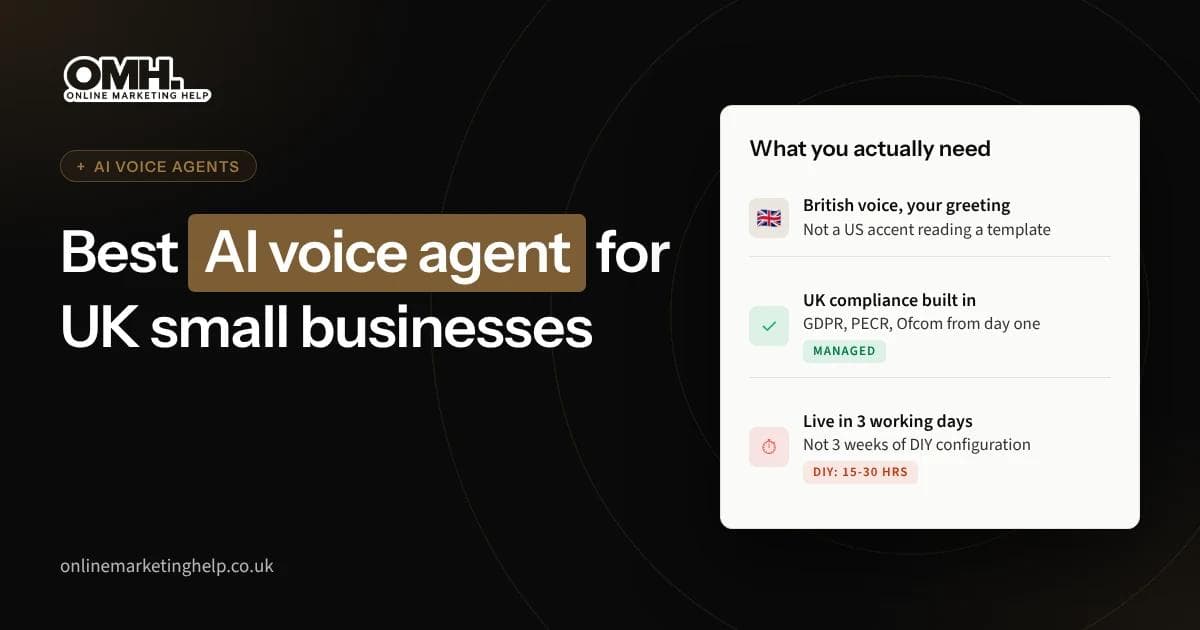
Best AI Voice Agent for Small Businesses in the UK (2026)
What to look for in an AI voice agent if you run a UK small business, why most DIY platforms create more problems than they solve, and how a managed service gets it right from day one.
Read article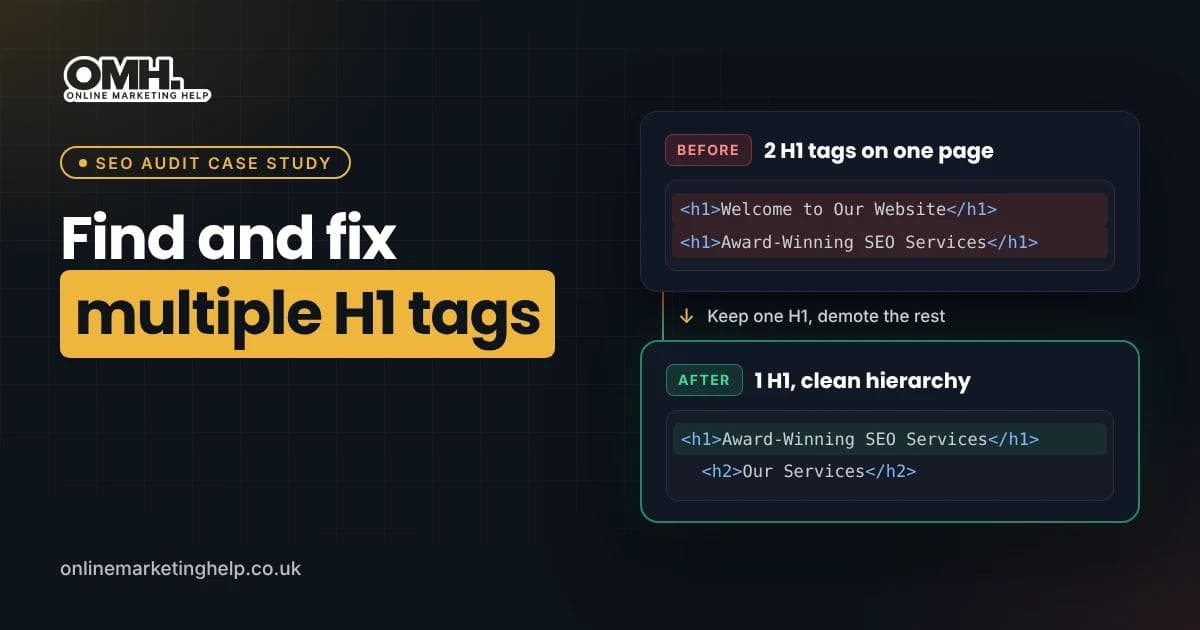
SEO
How to Find and Fix Multiple H1 Tags: A Real SEO Audit Case Study
Learn how to find and fix multiple H1 tags with Screaming Frog, Detailed SEO Extension and HTML checks. Real audit findings and practical solutions.
Read article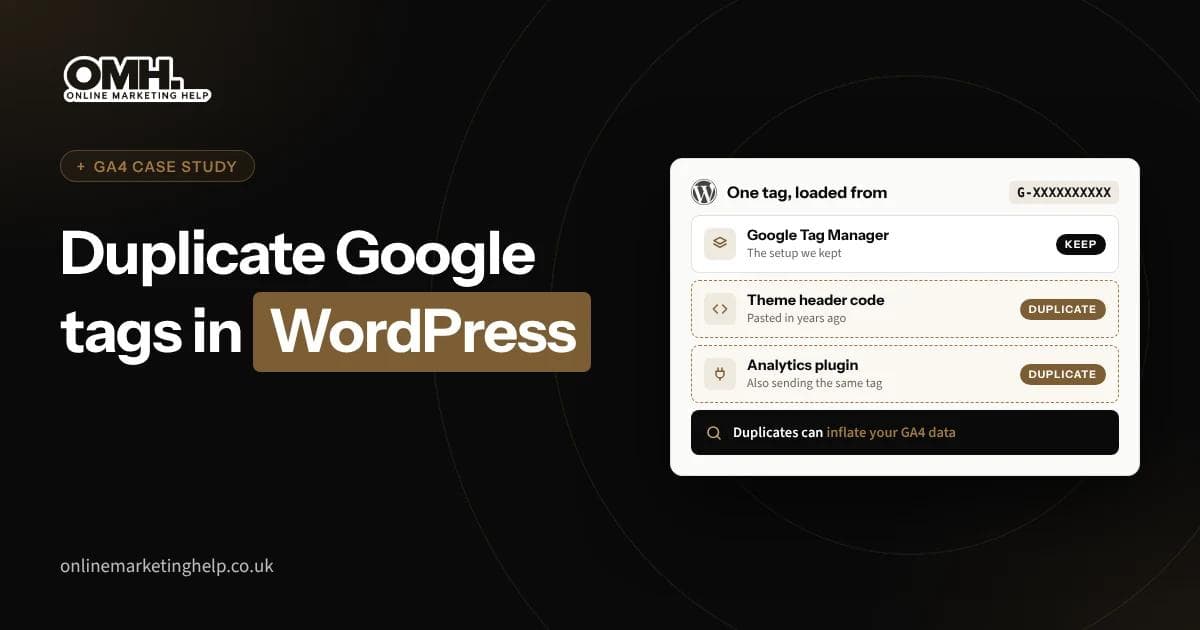
SEO
Duplicate Google Tags in WordPress: How We Traced a Messy GA4 Setup
Found the same Google Analytics tag installed twice on your WordPress site? Here is how to check whether GA4 is really double counting, which installation to keep, and how to remove the extra code without losing tracking.
Read articleTurn useful ideas into a practical growth plan.
Tell us what you want to improve and what you have tried so far. We will help you identify the clearest next step.
What happens next
- Review the current position
- Define the commercial objective
- Agree the work and measurement
Ring it from any phone
It's set up as a fictional heating company in Leeds and answers day and night. Standard call rates apply.
The demo line is being set up. Book a demo and we'll play you one on the call.
Three things to try
- 1Book a boiler service for next week.
- 2Ask to speak to a person.
- 3Ask something it can't know, and hear how it handles it.